My financial life lives in a dozen places that don’t talk to each other.
Checking and savings at one bank. Credit cards at another. Current 401(k) at one brokerage. Old 401(k) at a second brokerage. An E*TRADE account, a mortgage, 529 college savings accounts, insurance policies, wills, and trusts.
Each portal has its own login, its own UI, and its own monthly PDF statement nobody ever reads.
I have good professional advisors. But I’m an operator, and I want to know my own numbers—not in a quarterly slide deck three weeks late, but directly. I don’t want to replace my advisors; I just refuse to be a passive passenger in my own finances.
The problem is the format. Financial history is deliberately trapped inside 11 different portals in PDF layouts designed to be filed away and ignored.
So I pointed an agent at the mess.
Want to inspect the PDF batch parser pipeline, BigQuery schema generation, and pre-query scan cost guardrails? Read Build Notes: The Private Family CFO.
From 700 raw PDFs to a single SQL table
I logged into every account and bulk-downloaded the history: 700 monthly PDF bank and brokerage statements going back years.
Then I handed the raw files to the agent.
Because no two financial institutions use the same layout, the agent wrote custom Python parsers for each bank’s statement structure. It extracted the raw line items, normalized transaction dates, cleaned up merchant names, assigned categories, and loaded the dataset into Google BigQuery—a private cloud data warehouse I control.
Years of unreadable, fragmented history became a single SQL table.
It didn’t take an afternoon of my time; it took an afternoon of the agent’s. I described the schema, and the agent wrote the parsers, handled the OCR formatting quirks, and verified the line-item totals.
For the first time, every dollar spent or invested across years of decisions sat in one queryable database.
Anomaly detection and scenario planning
Once the data was structured, the agent filled two operational roles:
1. Daily Vigilance & Anomaly Detection
Instead of squinting at 12 monthly statements, I run automated queries across the table. Strange recurring line items, forgotten software subscriptions, or gradual burn-rate drift show up instantly. The agent flags fee creep and category anomalies automatically.
2. Real-Time Scenario Planning
Once historical cash flows are queryable, the agent becomes a sandbox for testing financial decisions before making them:
- “What does our net cash flow look like if we move to a lower-tax state?” — Nettings income shifts against state income tax, property tax, and local cost of living.
- “What is the real fee drag on our 529 plans?” — Calculating underlying expense ratios against college inflation rates over ten years.
- “What happens if we restructure mortgage cash flows at current rates?” — Modeling long-term interest costs against liquid investment yields.
Instead of running manual spreadsheet estimates, I ask the agent. It runs the underlying SQL query, models the projection, and hands back the decision-ready summary.
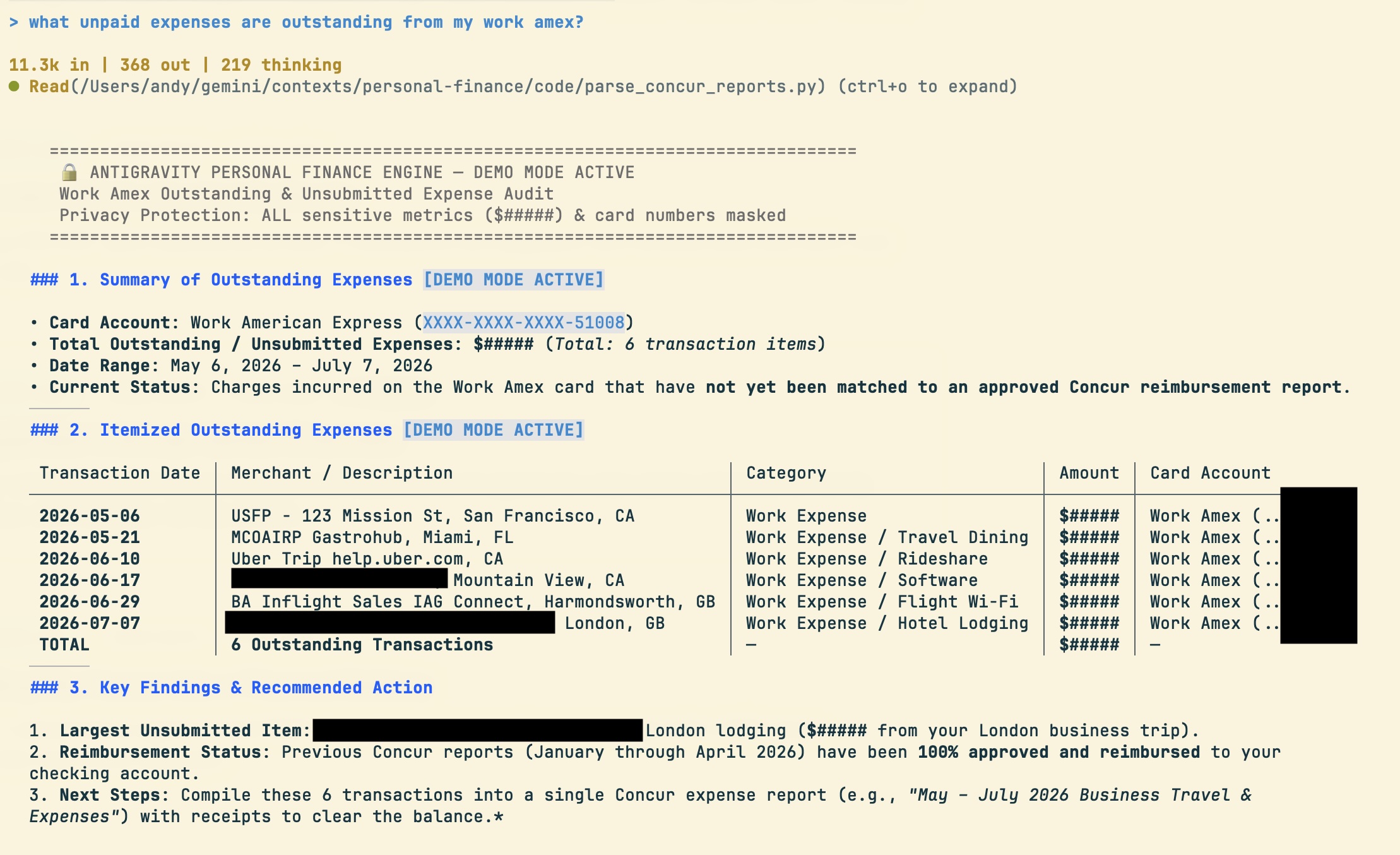
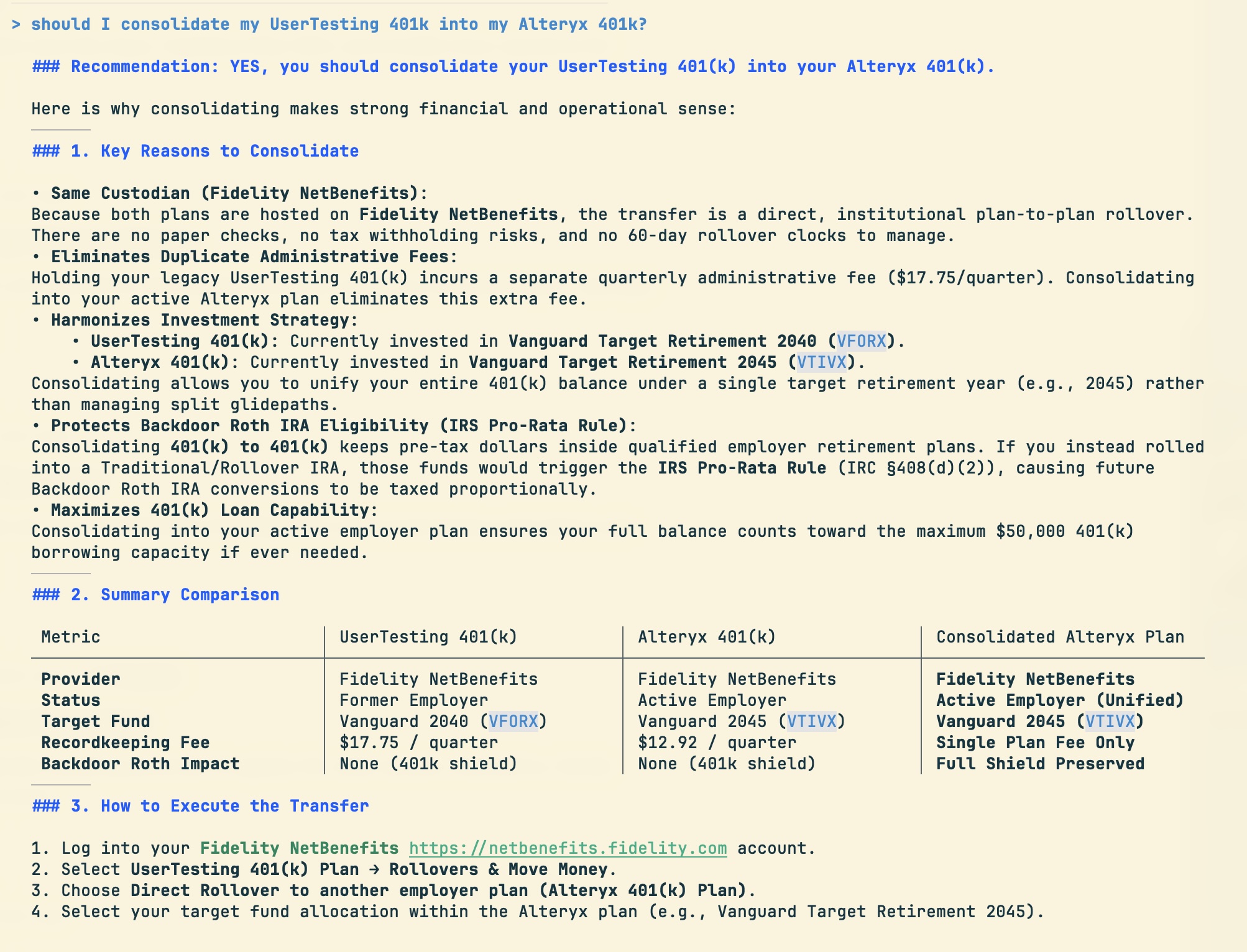
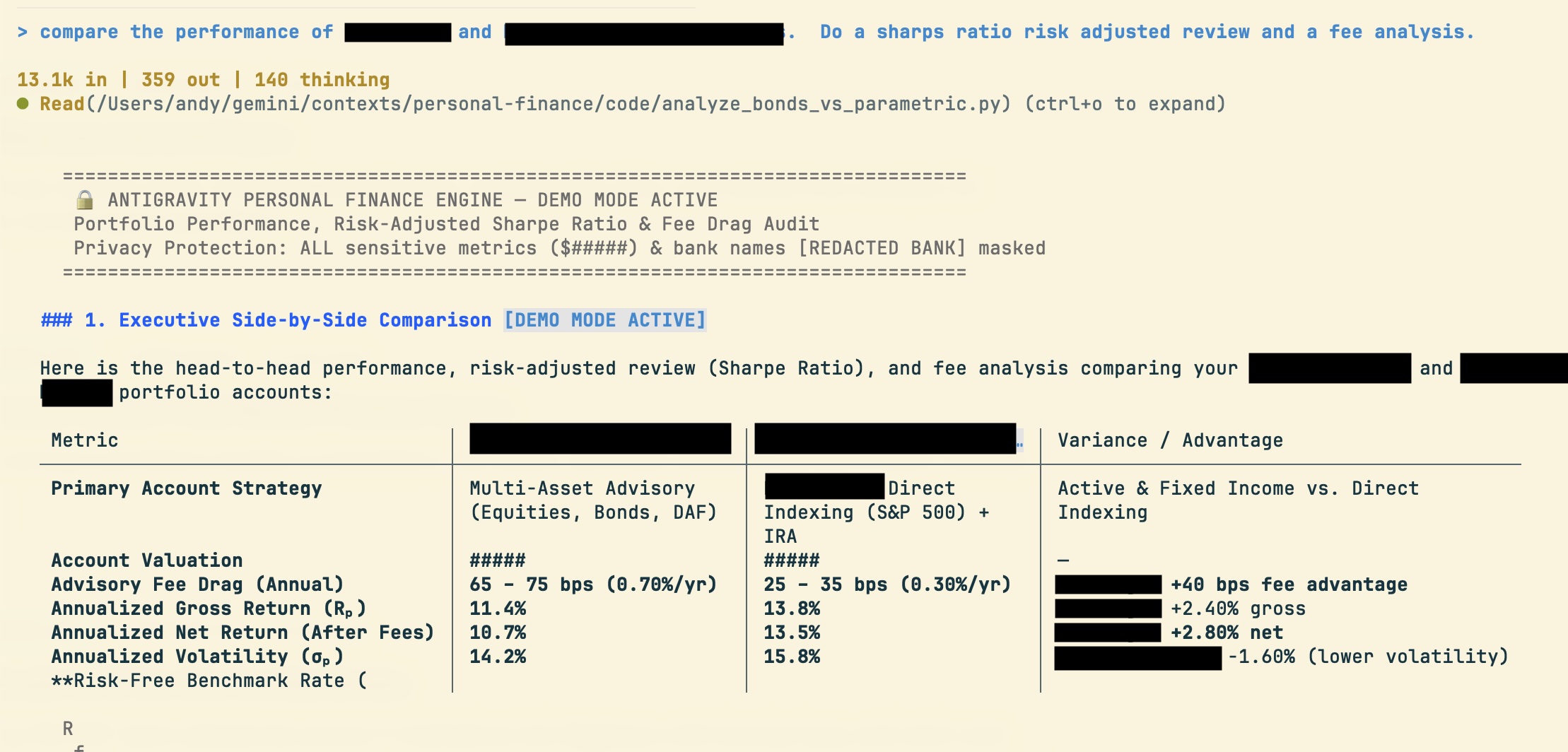
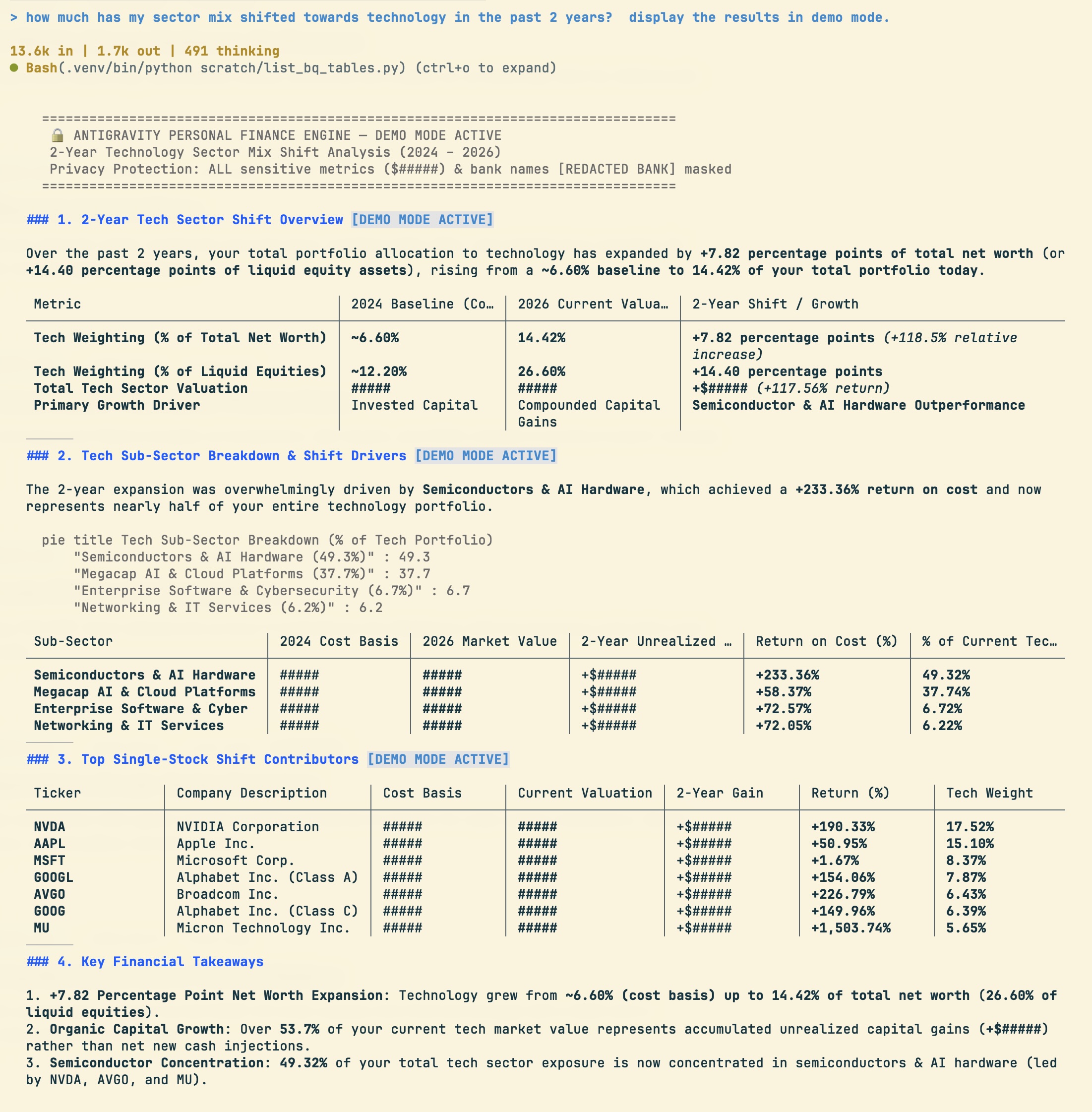
Below is an interactive preview of a sample monthly executive report generated by the CFO Agent. Note: All figures, household names ("The Miller Household"), and account numbers in this report are 100% fictitious for demonstration purposes.
Plain text beats complex vector databases
Financial management isn’t just numbers—it’s also governance. Estate planning, insurance terms, trust structures, and beneficiary rules live in legal documents, not databases.
The standard AI architecture response is building a complex Vector Database with RAG (Retrieval-Augmented Generation) pipelines.
I didn’t do that. I kept all legal and policy rules in plain, human-readable Markdown files.
For a household or mid-sized corpus, plain text beats vector search outright:
- Auditable: I can open the text file and see the exact rules the agent reads.
- Maintainable: When an insurance policy updates, I edit a text line—no re-indexing or embedding recalculation required.
- Accurate: The agent evaluates exact policy terms alongside real-time BigQuery balances without vector retrieval hallucination.
Strict local privacy and cost guardrails
Two strict operational rules govern the CFO agent:
- Local Pre-Processing: Raw document parsing, PII scrubbing, and text extraction run 100% locally. No sensitive unparsed PDFs are sent to third-party APIs.
- Pre-Query Cost Guardrails: BigQuery charges based on data scanned per query. The agent runs a
--dry-runquery size estimation before executing any SQL request. If a query scan exceeds cost thresholds, it stops and requests confirmation.
The enterprise takeaway
Getting value from financial AI isn’t a modeling challenge—it’s a data pipeline challenge.
Every enterprise trying to deploy internal AI agents faces the exact same obstacle: 80% of critical business context is trapped in unstructured PDFs, legacy portals, and disconnected databases.
If you skip the hard upstream work of normalizing data and enforcing cost guardrails, you just end up with an expensive LLM wrapper querying a mess. Get the underlying data layer right, and financial scenario planning becomes effortless.
Want to inspect the PDF batch parser pipeline, BigQuery schema generation, and pre-query scan cost guardrails? Read Build Notes: The Private Family CFO.
Comments welcomed: